GIVE THE NIGHT
A VISUAL WORLD.
A practical guide to choosing Halloween visuals for DJ sets, VJ performances, nightclub screens, and events: mood, file formats, playback checks, and planning the visual sequence.
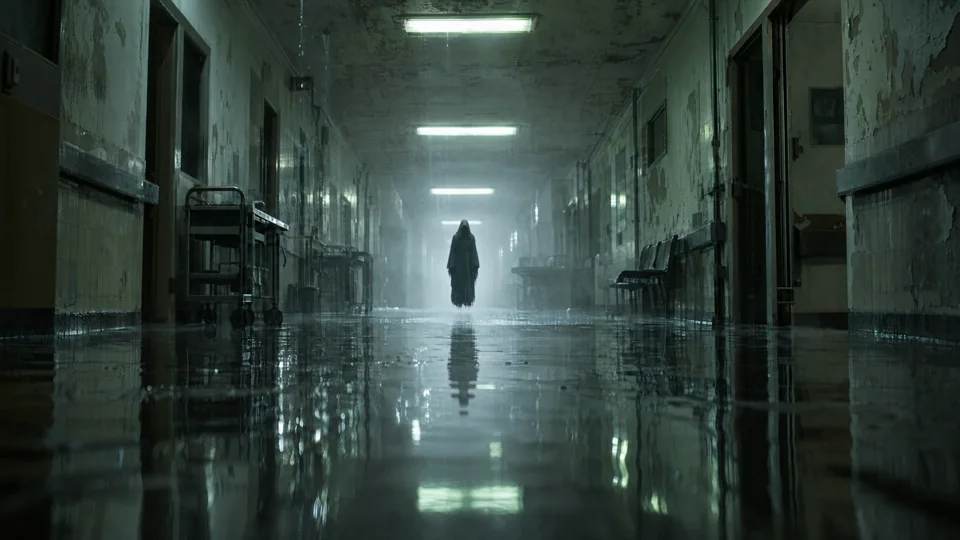
Halloween visuals are moving images used on screens during a DJ set, VJ performance, nightclub night, or event. A good selection gives the music and the room a shared atmosphere, from slow-building unease to a sudden creature reveal.
START WITH THE ATMOSPHERE.
Choose the visual language of the night before choosing individual clips. A monochrome set can hold a room in suspense. A forest, flooded corridor, or mechanical scene can establish a darker cinematic world. Saturated characters and surreal light offer a different mood.
In this collection, HYPNOSIS draws the eye into a concentric tunnel. THE MASK uses a close, expressionless face. DEVIL BOY shifts to vivid blue and magenta. Preview them at the scale of your display before deciding where each belongs.
BUILD A SEQUENCE, NOT A SHUFFLE.
Look at how much changes inside each shot. A subtle face or watchful eye can sit behind a quieter passage. An approaching creature can be held for a more deliberate moment. Consider contrast, movement, and the point of attention when moving between visuals.
Don’t assume every clip is seamless or the same length. The MP4 files in this collection range from about 1.6 to 38.7 seconds. Watch the first and last frames, test repeats, and choose your own transition inside your playback software.
CHOOSE THE FILE YOUR SYSTEM CAN PLAY.
The full pack includes a 4K MP4 collection and a DXV3 collection. The MP4 originals are 3840 × 2160 and include both H.264 and HEVC encoding. Codec support, decoding performance, and the best format depend on your software and hardware.
Use the original file details on each visual’s page when preparing your system. The website player uses a smaller, silent preview for browsing; that preview is not a substitute for testing the original on your show machine.
CHECK IT IN THE ROOM.
- Test the files in the actual playback software and output resolution.
- Check the screen mapping and crop so faces, eyes, and other focal points stay visible.
- Review motion and bright changes before the event, with the audience and venue in mind.
- Listen for audio tracks in original files and set your show’s audio routing intentionally.
- Download your files ahead of time and keep a local show copy so the performance does not depend on a connection.
THE COLLECTION AT A GLANCE.
Halloween Visuals contains 21 MP4 visuals plus 21 DXV3 collection files. The full pack is $99 USD before applicable tax. When the seven-day launch promotion begins, EYEBALL reduces the price to $74.25 before tax. The launch date has not yet been announced.
Explore all 21 visuals